There are a lot of Online Collaborative Tools like Facebook, WordPress, Google Drive and Microsoft, Yammer and Trello
Facebook is an online collaborative tool because users can use it to create a group page that will allows them to communicate with others and share their ideas. Next is the WordPress. It allows the users to create a blog. While Google Drive and Microsoft Office allows users to work on different office files and can even have their own group’s cloud storage. Next is the Yammer. It offers different companies to have their own social network that allows sharing content. The last one is the Trello. It offers to-do checklist for the user’s entire team.
There
are a lot of Medi Content that we can find in some websites. Here are some
example:
1.
Videos- users can take a video and let the entire world watch it. One of the
example is the Youtube
2.
Sound, Music or Audio- Users can always record sounds and can share it to the
entire world with the use of Soundcloud
3.
Online Games- There are some games that can be played without the need to
install it and users can play it in the web browser through the use of
internet. Some examples are Candy Crush and Farmville.
4.
Online Tests- It is an online tests thatautomatically display the results when
finished. One of the example is the Quipper.
5.
Courseware- It is an online courses that simulates the classroom online.
Example of this is the E-Learning
6.
Podcasts- It is an episodic series of audio that can be streamed online.
Examples are the Stuff You Should Know and TED Talks
7.
Vodcasts- If the Podcasts is an episodic series of audio, Vodcasts is an
episodic series of Video that can be streamed online. For example, Youtube
Series.
These
are the Different Operating System that we can found in our personal computers and
devices:
1. iOs- This is used in Apple Devices only like iPhone and iPad
2. Android- Android is an open source
operating system that is developed by Google. There are several mobile phone
companies that use this OS for free.
3. Blackberry OS- This is used in Blckberry Devices only
4. Windows Phone OS- This is a closed source that is developed by Microsoft
5. Symbian- This is used by Nokia Devices
6. WebOS- It is originally used for smartphones but now it can be used by Smart
TVs
7. Windows Mobile- It is also developed by Microsoft for smartphones and for
the pocket PCs
Malware concept in word tag cloud on white background
There are a lot of Internet Threats that can harm our computer without us knowing it. So here are some information about Internet Threats:
First is the Malware or The malicious Software. There are different types of it: a. Virus- Virus is a malicious program that was designed to replicate itself and transfer from one computer to another.
b. Worm- Worm is malicious program that transfers from one computer to another computer by any type of means. One example is the ILOVEYOU worm or the Love Bug Worm which was created by a Filipino.
c. Trojan- Trojan is a malicious program that is disguised as a useful program but once the users downloaded or installed it, it will leave their PC unprotected and this can allows the hackers to have access to their information. Under the Trojan is the Rogue Security Software. It can tricks the users into posing that it is a security software but in reality, it is not.
d. Spyware- Spyware is a program that runs in the background without the users knowing it that’s why it is called “spy”. Spyware has the ability to monitor what the users are doing through the keylogging. Keyloggers is used to record the keystroke done by the users. This can allows the hackers to steal the user’s password and any other important information about them.
HERE ARE SOME EXAMPLE OF SPYWARE:
*CoolWebSearch *Internet Optimizer *BlazeFind *Hot as Hell *FinFisher
2. Spam- A lot people already become a victim of this. Spam are the unwanted emails send to users which can be used to send malware.
3. Phishing- This can acquire sensitive personal information of the users like their passwords and credit card details. It will direct the users to visit a website and asked them to update their personal information. Under this Phishing is the Pharming. This is a more complicated way of Phishing because it exploits the DNS or the Domain Name Service Sysytem.
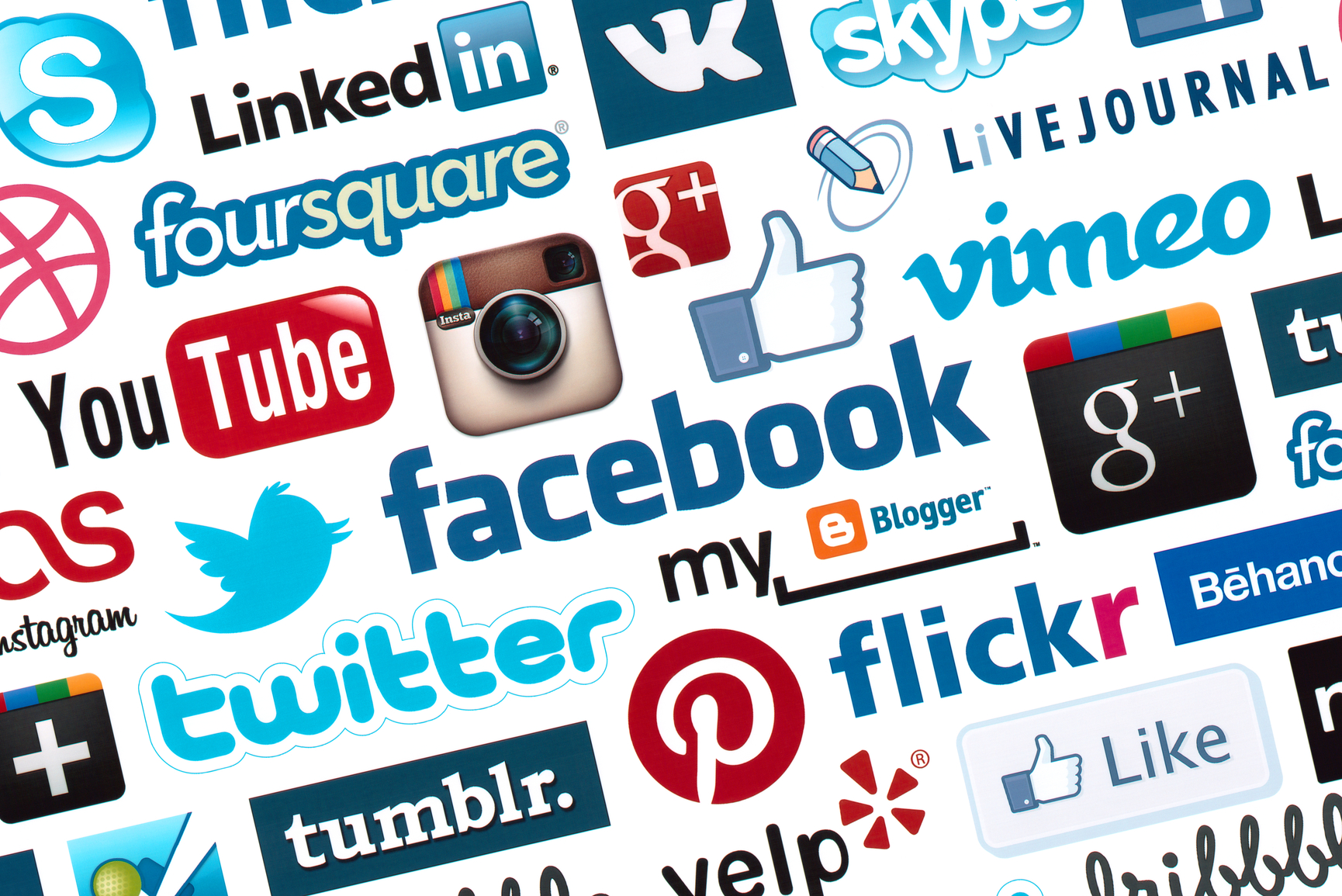
Kiev, Ukraine – October 17, 2012 – A logotype collection of well-known social media brand’s printed on paper. Include Facebook, YouTube, Twitter, Google Plus, Instagram, Vimeo, Flickr, Myspace, Tumblr, Livejournal, Foursquare and more other logos.
There are different types of Social Media. The Social Networks, Bookmarking Sites, Social News, Media Sharing, Microblogging and Blogs and Forums.
Social Networks are sites that allows us, users to connect with other people. Users can create account and they can set up a profile, share content, add people and create groups. One of the best example of this is the Facebook.
Next is the Bookmarking Sites. These sites allows the users to manage links to various websites. Most of these sites allows the users to create a tag which allows them to easily search and share some content. One example of this is the Pinterest.
On the other hand, Social News are the sites that allows the users to post their own news item. Users are also capable of voting on the news articles of the website. Example of this is the reddit
The next one is the Microblogging. These sites allows the user to post some short update about them. And people who subscribed to them can be able to receive updates from them. One of the famous example of this is the Twitter.
The last one is the Blogs and Forums. These websites allow the users or what we called “Blogger” to put their own content. The best example of this is the WordPress.




 Unique's Blog